










Computer Requirements
Important:
Microsoft is ending Windows 10 support October 2025
MyoVision will end PhysioMonitor support October 2026
See PhysioMonitor section below for details
Recommended Minimum Requirements:
• 16GB RAM
• 500 GB SSD Hard drive
• CPU Minimum: Intel i series or AMD Ryzen series, specifics are below;
→ 4 or more cores
→ 2.2GHz or faster
→ Intel i5 or AMD Ryzen 5 or better (Ryzen is currently recommended)
Snapdragon CPU are not supported: Qualcomm CPU’s, including Snapdragon, are not supported due to the MyoVision patient database requirements, see Microsoft SQL Server 2017 requirements HERE
Grounded AC Adapter: Most computers have grounded AC adapters, but it’s always good to double check. This is essential in reducing electrical interference with your Surface EMG device and is a UL requirement for patient safety.
IMPORTANT for DynaROM Users: You must be using Office 2010 or higher (OFFICE 365, OFFICE 2015, 2016) to generate reports. Due to Microsoft product keys, you will need to purchase and install separately. Download a free trial of Microsoft Office visit: https://www.office.com/
NOTE FOR SERIES-5 / VisionHUB CUSTOMERS; Laptops and Mini-PCs can have USB ports in areas that can be easily damaged. Using a 3.0 USB Extender is recommended in these cases.
Recommended cable brands; Cable Matters, Club 3D, Startech.com, or any USB-IF Certified cable.
Specific recommendation for VisionHUB: Click THIS link, or search Amazon for “USB 3.0 Extension with pedestal StarTech”
PhysioMonitor systems may not work on computers purchased after 2019
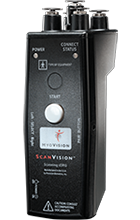
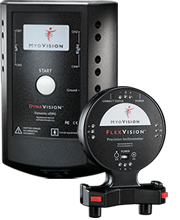
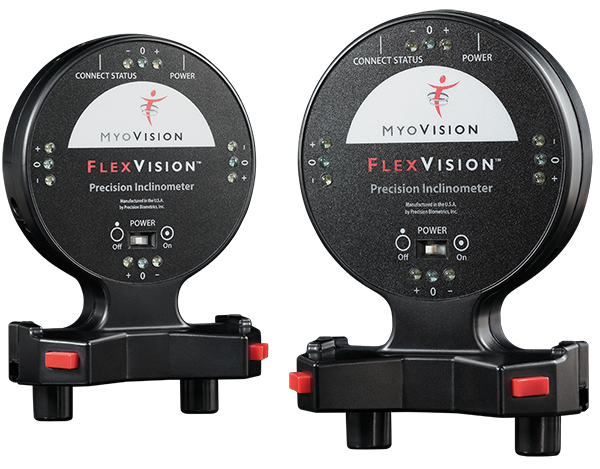
As Microsoft phases out Windows 10, evolving PC technology is disrupting the performance of legacy 3G and 4G Wirefree(™) devices, including AC Powered PhysioMonitor systems dating back to 2008. USB power delivery standards have changed, and we’re seeing real-world failures: ScanVision, FlexVision, and DynaVision modules can disconnect mid-exam, risking data integrity and clinical confidence.
To make this transition easier, we’re offering our latest and most advanced SERIES-5 system at a significantly reduced price. Get 50% off retail pricing by trading in your old system.
To redeem:
Tips for choosing a new computer
- If you are not in the market for a new computer, there are several inexpensive external monitors that can connect to your laptop for better visibility.
- Monitors: 24″ to 26″ is ideal for a clinic setting. Look for displays with speakers built-in.
What computer do you recommend?
Due to the constantly changing landscape of technology, we do not recommend any specific computers. Look for one that meets or exceeds the minimum requirements and has a grounded AC adapter.
We recommend looking for a PC that exceeds your minimum requirements to ensure it can last for years.
Does it work on a MAC?
We do not recommend it. Though it is possible if you plan to use a MAC, you can use Bootcamp, Virtual Machines or other parallels with a copy of Windows 11 or newer installed. Please note: this is an advanced configuration and is not supported by MyoVision and should be configured by an IT professional.
